BAK Tweaks is an in-game utility for Batman: Arkham Knight built for virtual photography, cinematic captures and experimentation.
It brings several useful game systems together in one compact interface: dynamic lights, light gizmos, weather, lightning, cape controls, post-process exposure and a selection of environment effects.
The idea is simple: give you useful controls and let you experiment. There are no fixed lighting recipes and no single “correct” setup. Different locations, materials and scenes react very differently, so the fun is in trying things.
Main Features
- Runtime Point Light and Spot Light creation
- Real-time light editing
- Multiple light gizmos visible at the same time
- Individual gizmo toggle for every created light
- Exposure control
- Rain, snow, dust and pollen controls
- Manual lightning controls
- Cape controls
- Radio Mode Eyes
- Gauntlet Light
- Vehicle and burning vehicle effects
- Combat VFX controls
- Automatic cleanup of spawned lights when a level is restarted or changed
Shortcuts
BAK Tweaks can be controlled without keeping the interface open.
- F6 - Trigger Small Lightning
- F7 - Trigger Vertical / Big Lightning
- F10 - Open / close the BAK Tweaks interface
The Lightning shortcuts are designed for use while the interface is hidden.
F6 and F7 use the current Lightning settings already configured in the UI, including Duration, Distance, Instances, Salvo Count, Salvo Interval, Clusters, Cluster Spread, Randomize Screen Position, Horizontal Spread, Vertical Spread and Distance Variation.
Each key press triggers a single salvo. Holding the key down does not continuously retrigger it.
BatLit
BatLit is the runtime lighting system included in BAK Tweaks.
Point Lights and Spot Lights can be created directly in-game and adjusted while building a shot.
Depending on the light type, you can work with position, rotation, intensity, radius, cone angle and enabled state.
The goal is not to reproduce the game’s original lighting exactly. BatLit is there to give you extra creative control when the existing scene needs a little more shape, separation or atmosphere.
Light Gizmos
Each created light has its own Gizmo checkbox, so you can decide exactly which helpers remain visible.
Several gizmos can be displayed at the same time, which is useful when working with a small lighting setup instead of a single light.
The colors are intentionally simple:
- White - Light position
- Gray - Point Light radius
- Red - Spot Light direction
- Blue - Spot Light cone
Point Lights display their spherical influence radius.
Spot Lights keep the display cleaner: they show the direction and cone, without the large radius sphere.
Examples
The images below are examples of what can be explored with BAK Tweaks. They are not presets and there is no recipe to reproduce them exactly.
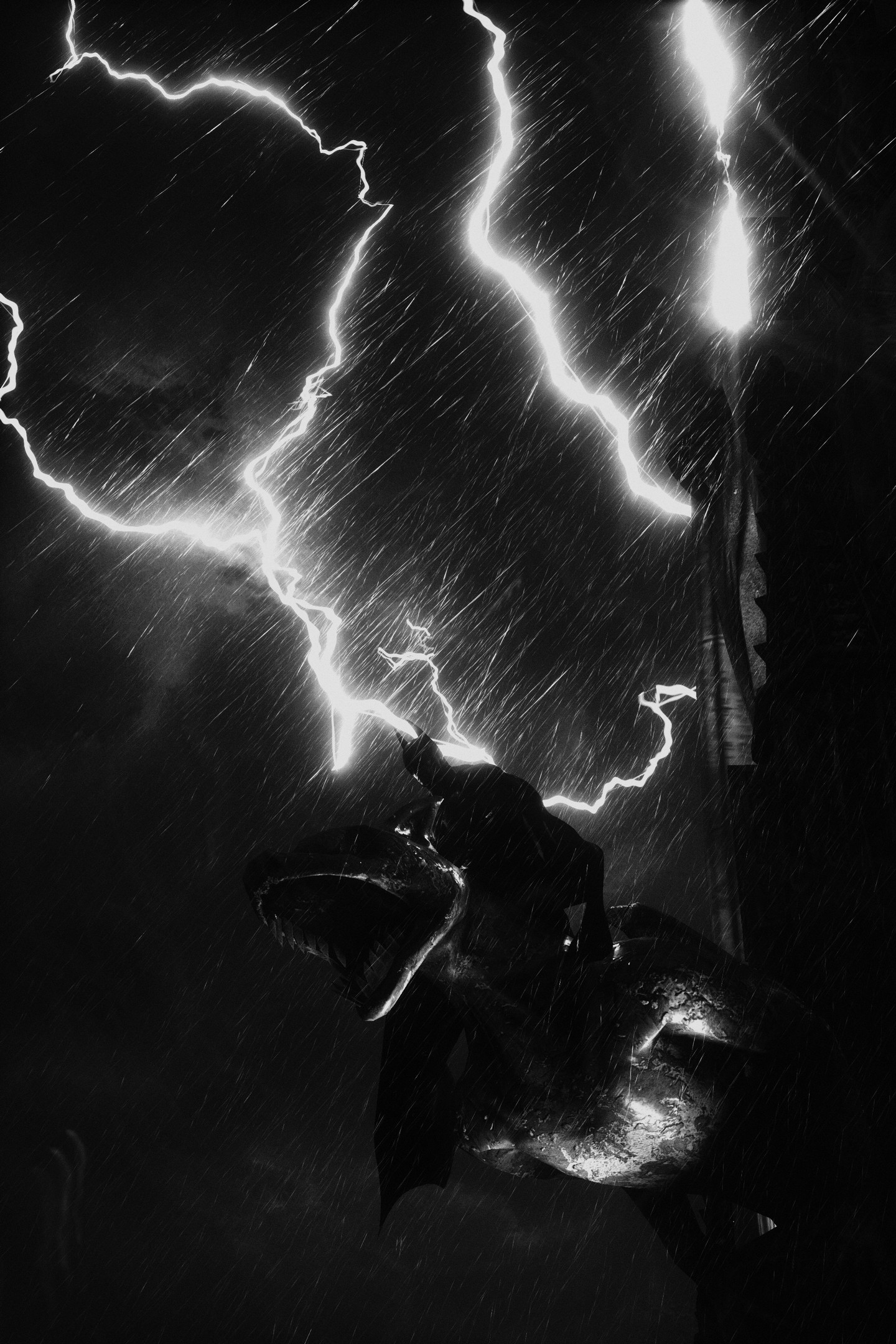
Lightning + Rain
Lightning can become a major part of the composition rather than just a background effect.
Combined with rain and a dark exposure, the flashes can create hard silhouettes, rim lighting and very high-contrast scenes.
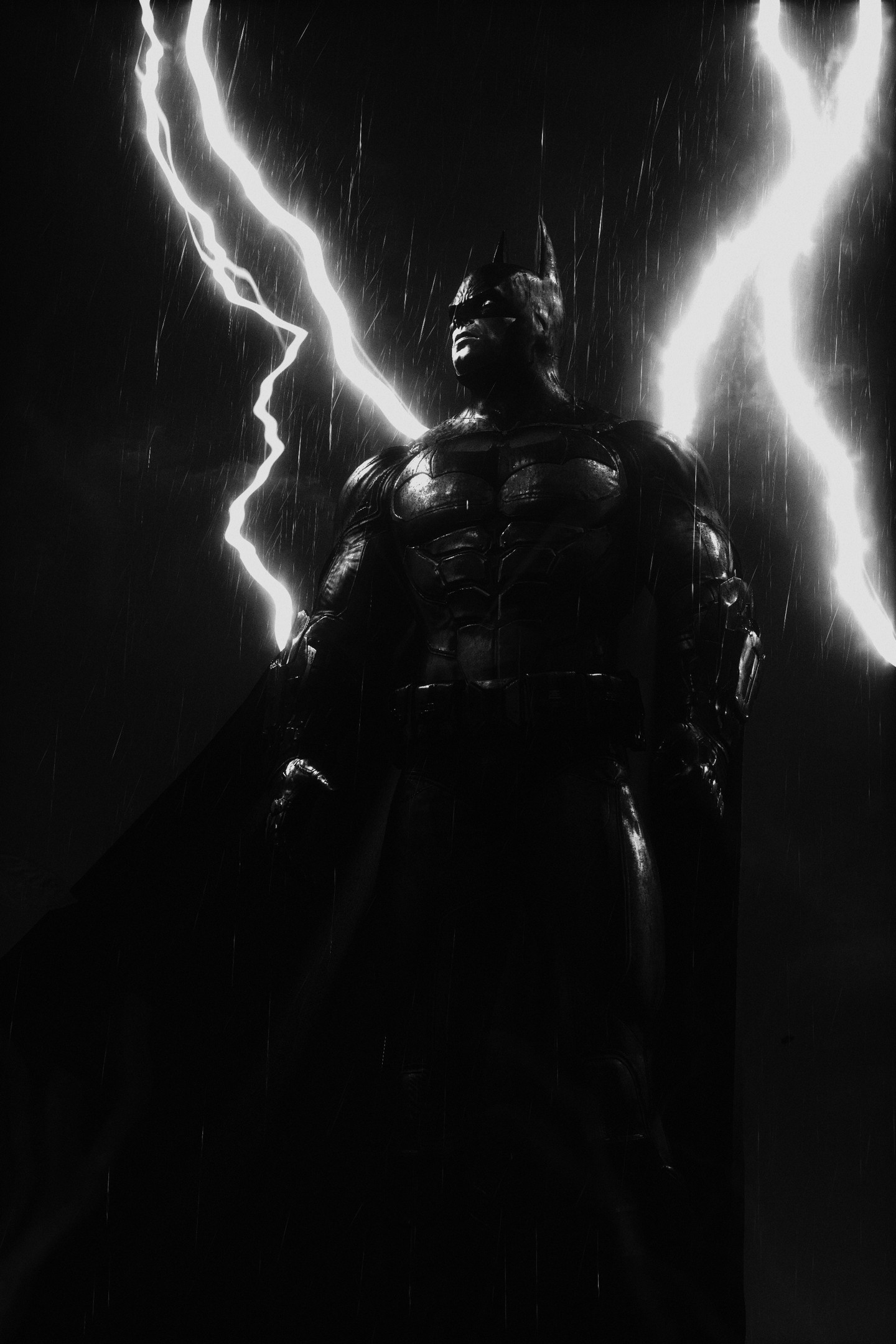
Lightning As Backlight
A slightly different framing can completely change how the same effect reads.
Here the lightning acts almost like a giant backlight behind the subject, while the rest of the scene stays deliberately dark.
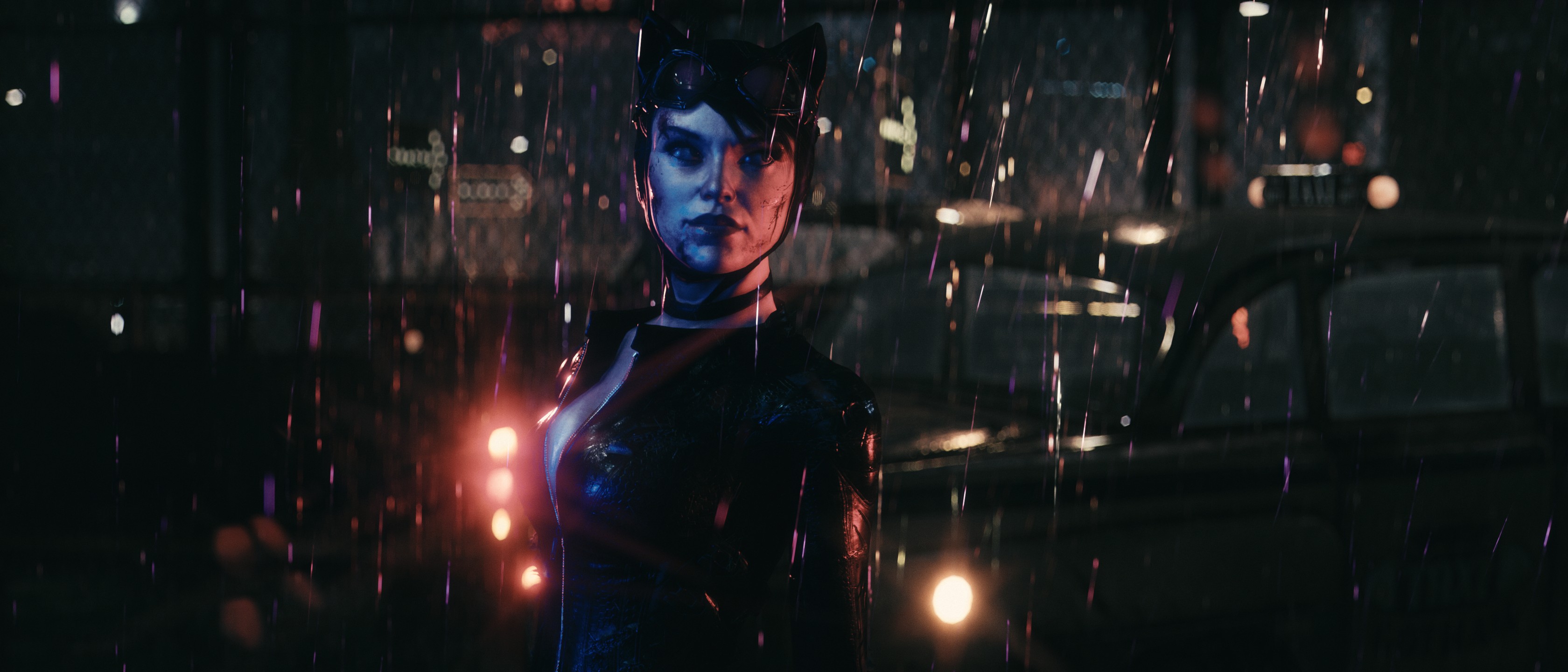
Spot Lights + Heavier Rain
A few Spot Lights can be enough to reshape a scene without replacing the original lighting.
In this example, additional Spot Lights add separation and color around the subject, while a little more rain helps catch and reveal the light in the air.
These examples are intentionally left without exact values. Move the lights, change their direction, cone and intensity, mix them with weather and exposure, and see how the scene reacts.
Environment
The Environment tab exposes several effects already used by Arkham Knight.
Weather
Weather controls are kept compact and direct:
- Rain
- Snow
- Dust
- Pollen
Each effect can be adjusted from the main Weather section without opening additional sub-panels.
Not every location reacts in exactly the same way, so some effects are more useful in certain parts of the game than others.
Lightning
The Lightning section goes much further than a simple one-shot trigger.
BAK Tweaks exposes both Small Lightning and Vertical / Big Lightning, and each type has its own timing, distance and salvo controls.
The main controls are:
- Duration - how long each lightning instance remains active.
- Distance - how far in front of the camera the strike is placed.
- Instances - how many lightning particles are produced by each individual strike. Higher values can make a single strike feel denser or more chaotic.
- Salvo Count - how many strikes are fired in sequence.
- Salvo Interval - the delay between strikes in the same salvo.
- Clusters - divides a salvo between several screen-space areas instead of concentrating every strike in one place.
- Cluster Spread - controls how tightly repeated strikes stay grouped around each cluster center.
There is also a Randomize Screen Position option.
When enabled, each salvo can be distributed across the frame using:
- Horizontal Spread - how far strikes can move left or right.
- Vertical Spread - how far strikes can move up or down.
- Distance Variation - adds depth variation so repeated strikes are not all placed at exactly the same distance from the camera.
Clusters are especially useful when working with longer salvos. Instead of producing a completely uniform scatter, several lightning strikes can return to roughly the same areas while still having some local variation.
This makes it possible to build anything from a single controlled flash to a much more chaotic storm made of repeated, grouped strikes.
The examples above use lightning as part of the composition, but there is intentionally no recommended combination of values. Try different instance counts, salvo lengths, cluster layouts and spread settings and see how they interact with rain, exposure and the scene itself.
Once the setup feels right, close the interface with F10 and use F6 or F7 to fire the configured lightning directly while framing the shot.
Misc
Additional environment and VFX controls are available as direct checkboxes:
- Radio Mode Eyes
- Gauntlet Light
- Vehicles
- Vehicles On Fire
- Combat VFX
These are intentionally simple toggles so they can be switched on and off quickly while composing a scene.
Cape
The Cape tab provides access to several parameters related to Batman’s cape simulation.
The result depends heavily on the current animation, movement and environment. Rather than recommending one set of values, the controls are best treated as another creative tool to experiment with while setting up a shot.
Exposure
BAK Tweaks also provides control over level post-process exposure.
This can be especially useful after adding custom lights, since the same light can look very different depending on the current exposure and environment.
Small changes are often enough.
Interface
BAK Tweaks uses a compact dark interface designed to stay out of the way while working.
The UI can be hidden while keeping selected light gizmos visible in the game.
The interface and gizmos are independent, so it is possible to work with several visible light helpers without keeping the full menu open.
Installation
Download BAKTweaks.dll and inject it using your preferred DLL injector after Batman: Arkham Knight has reached gameplay.
BAK Tweaks creates:
BAKTweaks.log
for diagnostic information. The log is reset when BAK Tweaks starts, so it only contains information from the current session.
Notes
BAK Tweaks modifies game systems at runtime and is intended primarily for screenshot and cinematic use.
Spawned lights belong to the current level. When the level is restarted or changed, BAK Tweaks clears the old spawned-light records and gizmos instead of carrying them into the next scene.
Some environment effects depend on the current map, game state or assets loaded by the game, so their visual result can vary between locations.
Most importantly: experiment. BAK Tweaks is meant to provide tools, not recipes.